 Yueqing Yijin Electronics Co., Ltd.



How to Install a Timer Switch for Lights: Pre-Check First
how to install timer switch for lights starts with class and conductor readiness—wall box versus DIN rail, then line versus load, then neutral and ground—before you trust a program screen. This pre-check covers programmable light timer jobs and digital timer switch wiring readiness, not a weekly-selection clone or an astronomical comparison. You will leave knowing when a US decorator wall timer fits, when a rail-mounted time control switch belongs in a panel, and when a KG316T time control switch matches timed lighting on published ratings.
What installing a timer switch for lights really covers
It is a class-and-conductor readiness job first, then a mount-and-program job.
Most US results show a breaker shutoff, a toggle pull, and a programmable faceplate. That sequence is real for a wall box / decorator timer. It is not the whole topic.
A time switch can be a cyclical 24-hour or 7-day clock, a one-shot countdown, or an astronomical unit. Lighting is a common application across those classes. The install path still changes with the enclosure you open.
For a wall-box digital timer, the consensus readiness map is simple: de-energize and prove dead, identify conductors, land ground and (when required) neutral plus line and load, remount the device, restore power, then program. Treat that map as education for listed wall-box products—not as a DIY license, and not as proof that every lighting timer belongs in a US switch box.
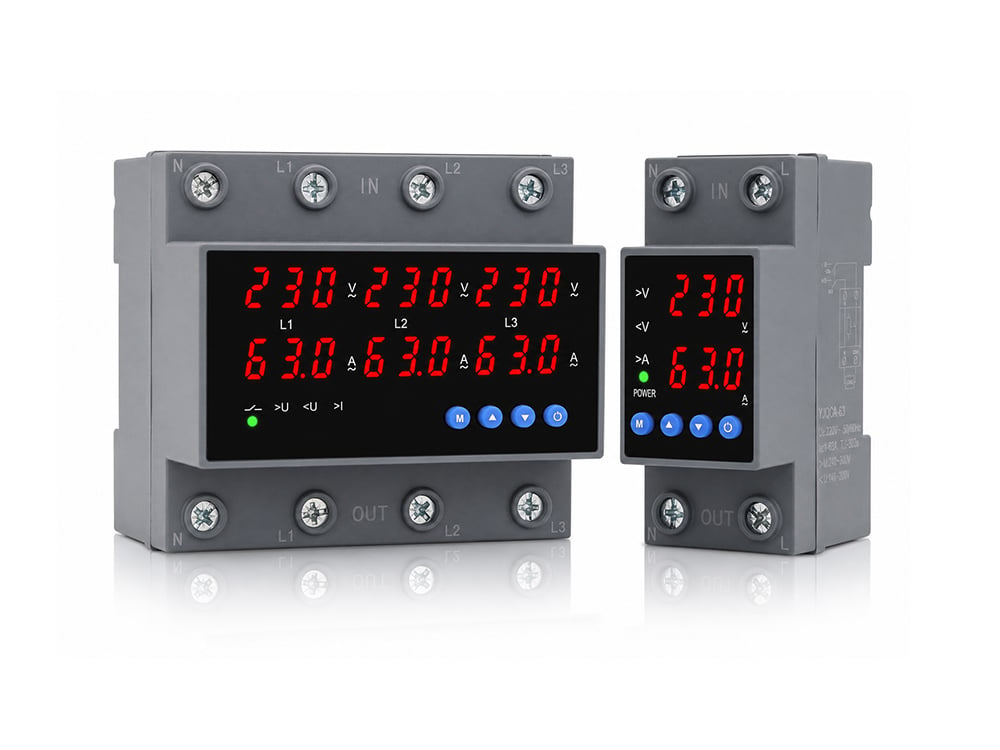
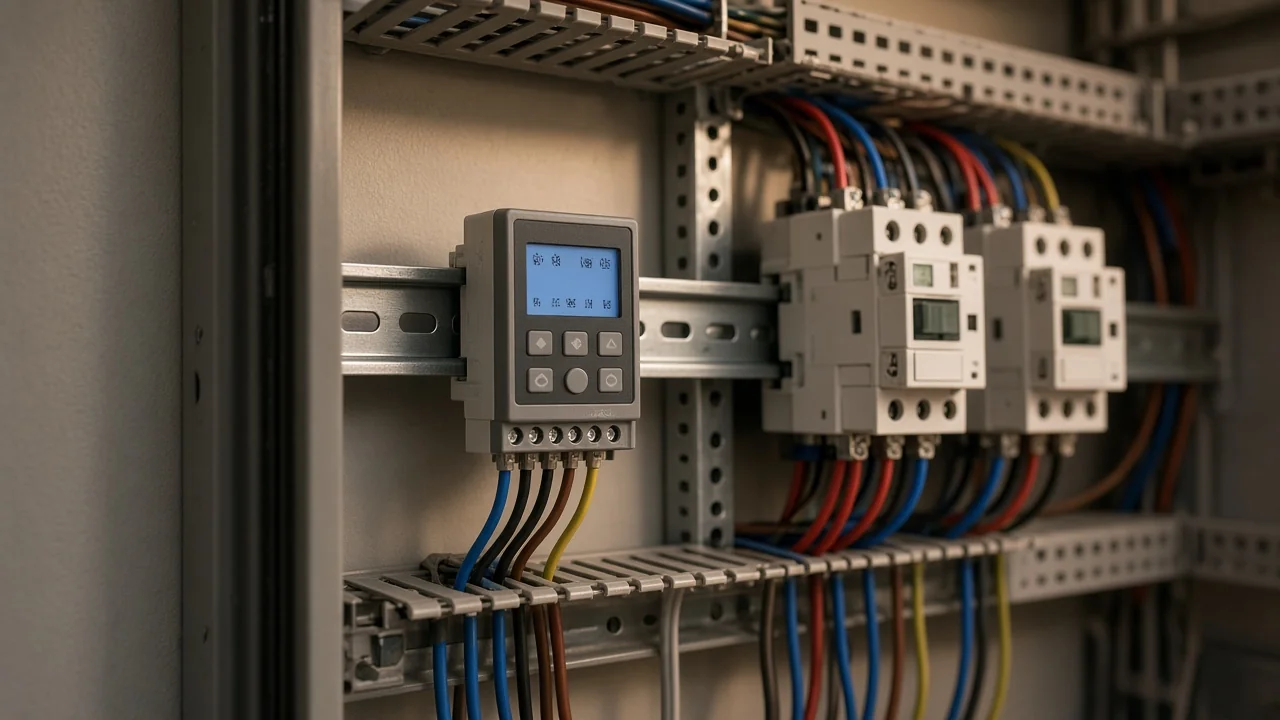
If the load is sign lighting or cabinet-fed yard circuits, the hardware may be a panel time-control switch on a rail. The same keyword still appears in search. The pre-check still starts with class.
Wall-box decorator timers vs DIN-rail time control
A US wall-box timer and a DIN-rail time control switch are different install classes.
| Question | Wall-box decorator timer | DIN-rail / panel time control |
|---|---|---|
| Where it mounts | Existing light-switch box | 35 mm top-hat rail in a cabinet (DIN rail) |
| Typical job | Replace a toggle for porch or room lighting | Timed lighting or equipment circuits from a panel |
| Conductor focus | Line, load, often neutral + ground | Control-supply and load terminals per the sheet |
| KG316T page scope | Not evidenced as UL wall-box listings | Time-control products with lighting/sign uses named |
Search language collapses both into “timer switch for lights.” Procurement language should not. A lighting control schedule can live in either form factor.
Yijin’s live timer cluster sits under the Timer Switch hub. First-party KG316T-family pages describe time control for AC circuits and name street lamps, neon, and advertising signs among uses. They do not prove a UL-listed US wall-box drop-in.
If your job needs a listed decorator timer in a dwelling switch box, stay on that wall-box path. If your job is panel-timed lighting, keep reading for rail readiness.
Identify line and load before you land anything
Prove which conductor is line and which is load before the timer lands.
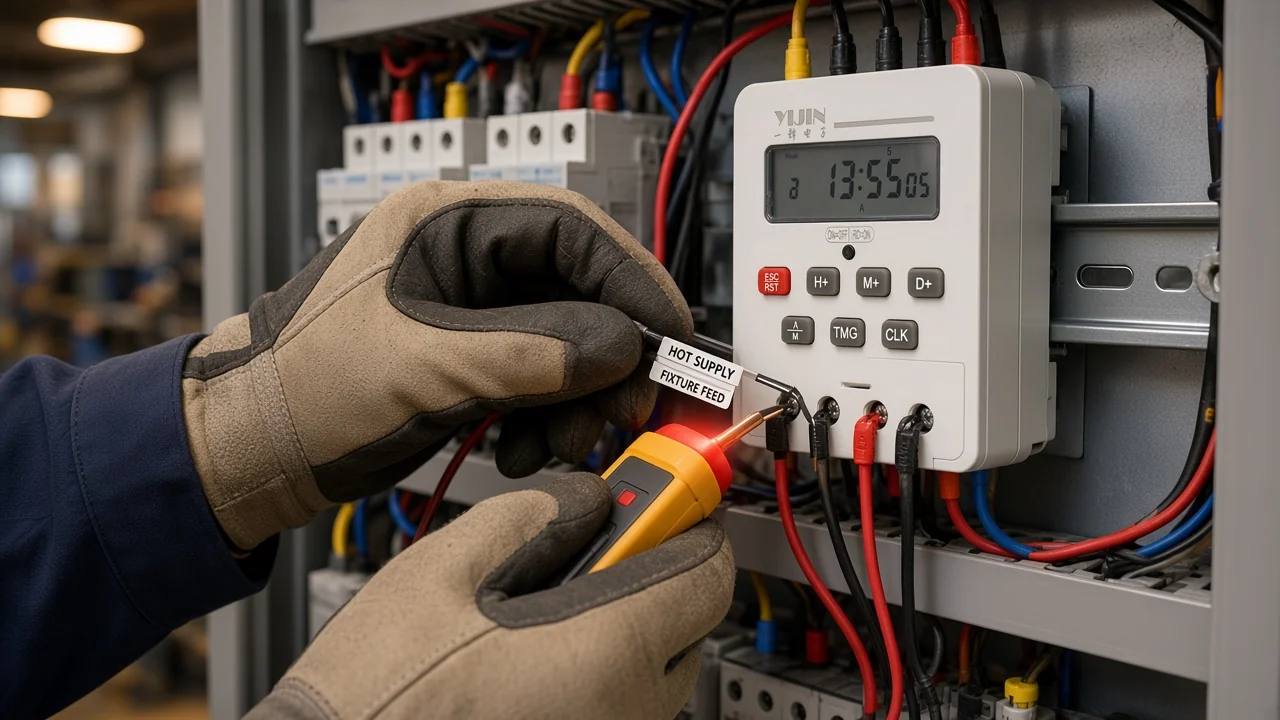
On a simple single-pole lighting circuit, line is the hot supply. Load is the feed to the fixture. Digital wall timers and panel time switches both care about that Line / load split.
Practical readiness checks before any landing:
- De-energize at the breaker and prove the conductors dead with a tester.
- Note which wire was on the feed side of the old switch, or which terminal is control supply on a panel drawing.
- Keep line and load labeled while the device is out of the box or off the rail.
- Land ground first when the device provides a ground lead or terminal, then neutral if required, then line and load per the sheet.
Do not rely on insulation color alone in remodel boxes. Older work can hide travelers or feed-through hots that look identical until you measure.
Neutral and ground readiness for electronic timers
Many digital wall timers need a neutral; some electronic units also care about Ground / earthing.
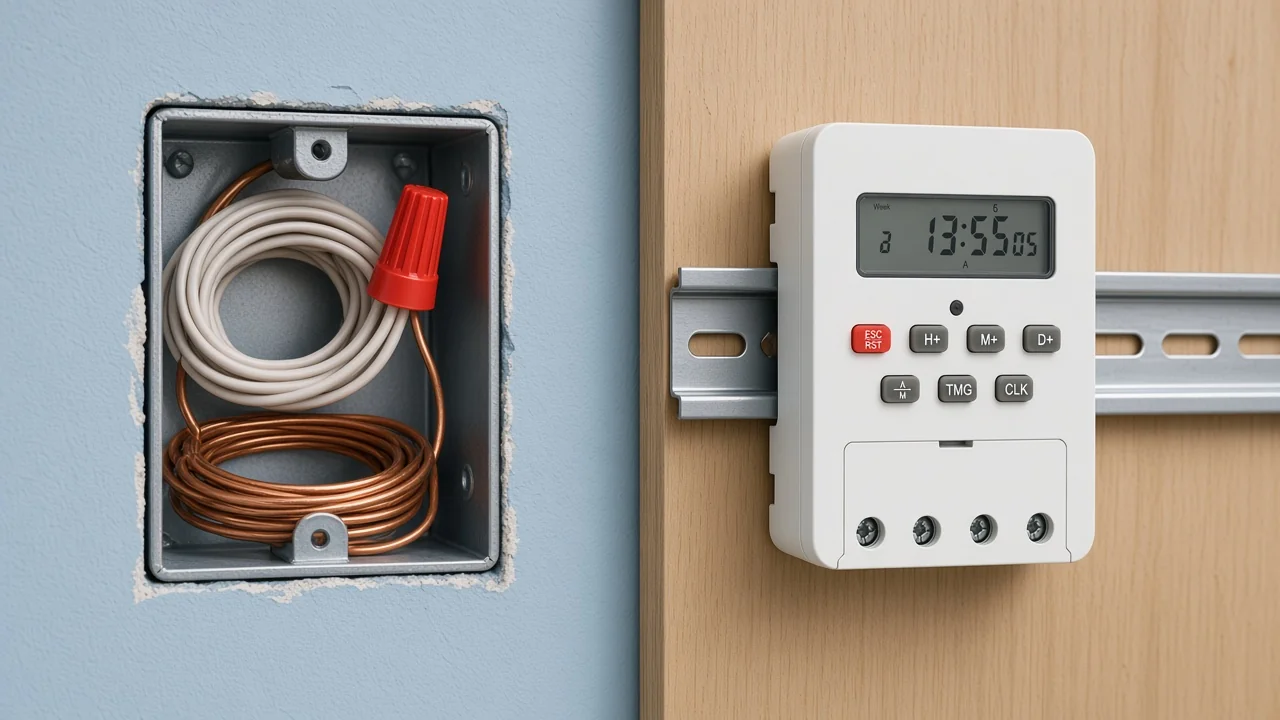
Independent wall-timer install writing still calls the neutral question the trickiest buy check. If the switch box has no white neutral bundle, many digital timers are the wrong product until you change the wiring plan.
Google’s install overview for this query repeats the same pattern—look for the white neutral group when the old switch comes out. Neutral presence for electronic devices in switch boxes is also a recurring trade question when renovations convert plain toggles to smarter hardware.
From the field: On Electrician Talk, an electronic bathroom timer worked in one room and failed in another after a surge while a regular switch still ran the load. A reply noted that some electronic devices need a sound ground connection to behave, even when a plain switch does not (problem with electronic timer switch).
Panel timers follow their own sheets. A rail-mounted time control switch still needs the printed control-supply arrangement and a safe earth practice for the enclosure. Do not copy a wall-box “white to white” habit onto terminals the sheet labels differently.
Program checks are not the same as power wiring
Leftover on/off or dusk events can keep lights on even when the landing looks correct.
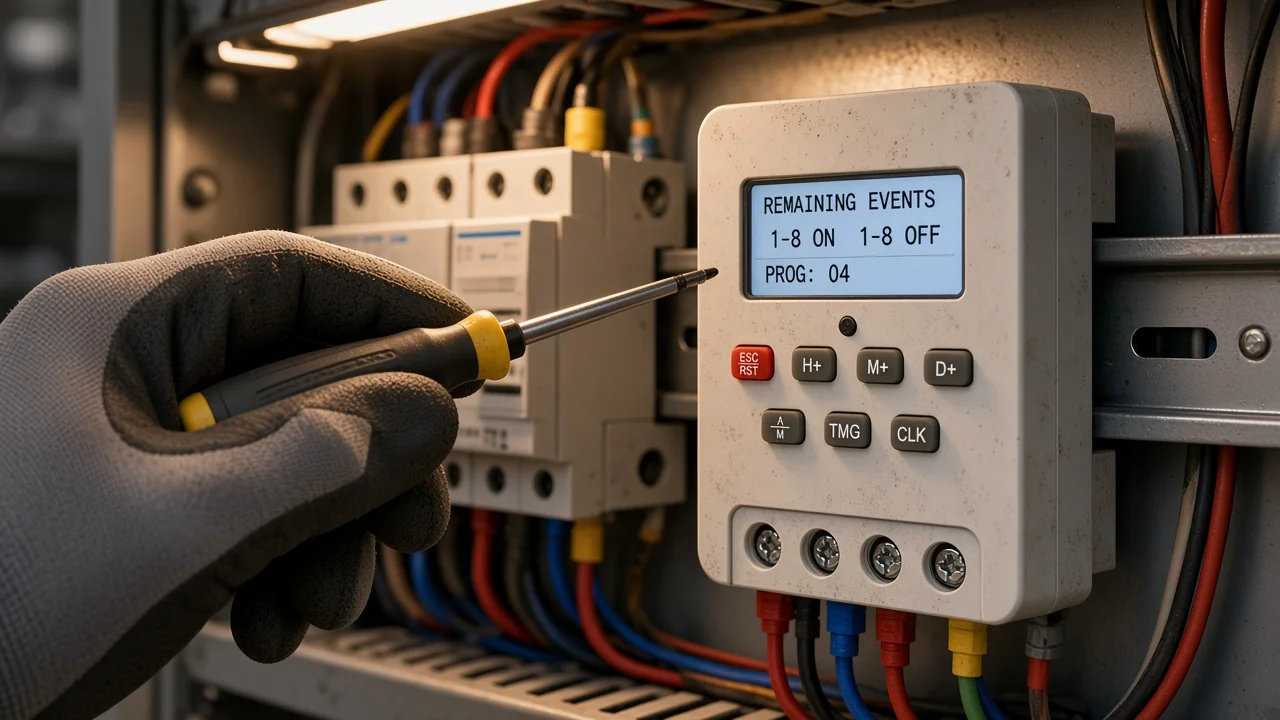
Wiring lands power. Programming decides when the contact closes. Those are separate readiness gates for any Weekly / cyclical program.
Installers on Electrician Talk have described units that stayed “on during the day” after dawn/dusk programming and unused on/off slots were wrong. The lesson transfers to any lighting timer with multiple events.
After energizing a weekly or daily lighting timer, walk this list:
- Current time and day are correct.
- Unused program slots are empty or skipped.
- On and off events are paired for the days you intend.
- Manual override is not holding the load on.
- You are not mixing a dusk/dawn feature into a pure clock schedule unless that is the product class you bought.
If the project actually needs sunset tracking, that is a different control class than a pure weekly clock. Keep the program check honest for the device you installed.
When a KG316T-family rail timer fits lighting control
KG316T-family products fit panel/DIN timed lighting when page ratings match—not as UL wall-box drop-ins.
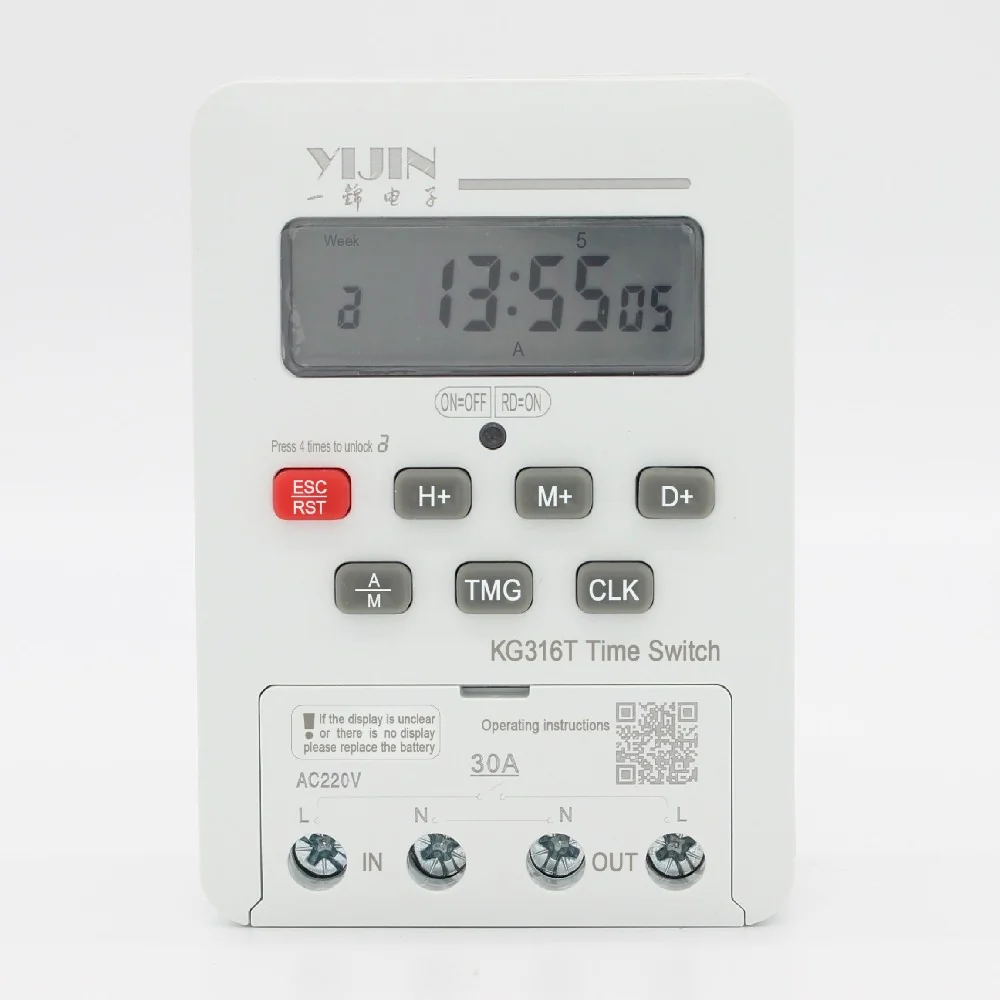
When the install path is a control cabinet for timed lighting—not a decorator faceplate—the live first-party fit on this site is the KG316T family under Timer Switch.
| Model | What the live page supports saying | Not for |
|---|---|---|
| KG316T time control switch | Timed on/off for loads including street lamps, neon, and advertising signs; AC 50/60 Hz control circuits 380 V and below; up to 16 on/off actions per day; 1 minute to 168 hours; daily timekeeping error ≤ ±2 seconds as printed; replaceable AAA battery; never install or remove while powered | Claiming a UL-listed US wall-box decorator timer |
| KG316TG36mm modular | Compact modular time control; AC 50/60 Hz 220 V and below control supply on page; IP20 enclosure rating on page; weekly timing range matching the family pattern | Crowding into a shallow US switch box as a faceplate |
| KG316T WiFi | Timed control with WiFi status indication; 110–240 V control supply / 40 A current wording on page | Assuming wall-box listing from WiFi features alone |
KG316T supports timed on/off for loads including street lamps, neon, and advertising signs on AC 50/60 Hz control circuits 380 V and below, with up to 16 on/off actions per day, a 1 minute to 168 hour range, daily timekeeping error ≤ ±2 seconds as printed, a replaceable AAA battery, and a power-off install rule on the product page.
Choose the modular sibling when cabinet space and the modular page’s control-supply rating fit better. Choose the WiFi sibling when remote indication is part of the control plan and the page ratings still match.
If you still need help separating weekly clocks from photocells or astronomical timers after the install class is clear, use the sister selection piece on how to specify a weekly programmable timer switch as a lateral read—not as a second install outline.
FAQ
Do digital timer switches need a neutral?
Many digital wall-box timers do. Independent install writing and common how-to overviews treat missing neutrals as the usual blocker. Confirm a white neutral bundle in the box before you buy that class of device.
How do I tell line from load on a light timer?
Line is the supply hot; load feeds the fixture. Prove them with a proper de-energize-and-test workflow before landing a timer. Color codes alone are not enough in remodel boxes.
Can I install a DIN-rail timer in a US wall switch box?
Not as a decorator faceplate. DIN-rail time control mounts on a standard top-hat rail in a cabinet. Yijin KG316T-family pages describe panel-style time control, not a UL wall-box listing.
Why do lights stay on during the day after install?
Often leftover on/off or dusk/dawn program events—or a manual override—not a reversed hot alone. Review every program slot after the landing passes.
Does an electronic timer need a ground even if a regular switch worked?
It can. Field discussion on Electrician Talk points at ground integrity when an electronic timer fails in one location while a plain switch still runs the load. Put ground on the pre-check list.
Which Yijin timer fits lighting control on a panel rail?
Start with the KG316T time control switch when the page ratings match the lighting circuit. Compare the modular and WiFi siblings if space or remote indication drives the spec.
Is a countdown timer the same install as a weekly lighting timer?
No. A countdown runs one interval; a cyclical weekly or daily timer repeats clock events. Confirm the class before you copy a program checklist from another product.
What should I check before converting a light switch to a timer?
Class (wall box vs rail), line vs load, neutral presence for digital wall timers, ground continuity for electronic devices, and a plan to clear leftover programs after energizing.
References
- Time switch — Wikipedia
- DIN rail — Wikipedia
- Lighting control system — Wikipedia
- How to Choose and Install a Programmable Wall Switch Timer — The Frugal Noodle
- problem with electronic timer switch — Electrician Talk
- Intermatic ST01 programming / on during the day — Electrician Talk
Humanizer audit: PASS
Humanizer second self-pass: No new facts, names, numbers, or citations added beyond approved research and brief.
Evidence callout: present (From the field — electronic timer / ground).