 Yueqing Yijin Electronics Co., Ltd.



How to Specify a 7 Day Weekly Programmable Timer Switch
A 7 day weekly programmable timer switch is a cyclical time switch that turns a load on and off at clock times across the seven weekdays, then repeats.
A buyer who asked for a “7-day timer” may actually need dusk tracking or a one-shot countdown. The rest of this page separates those jobs, then shows what to read on a digital weekly time switch sheet before you order a rail-mounted time control switch.
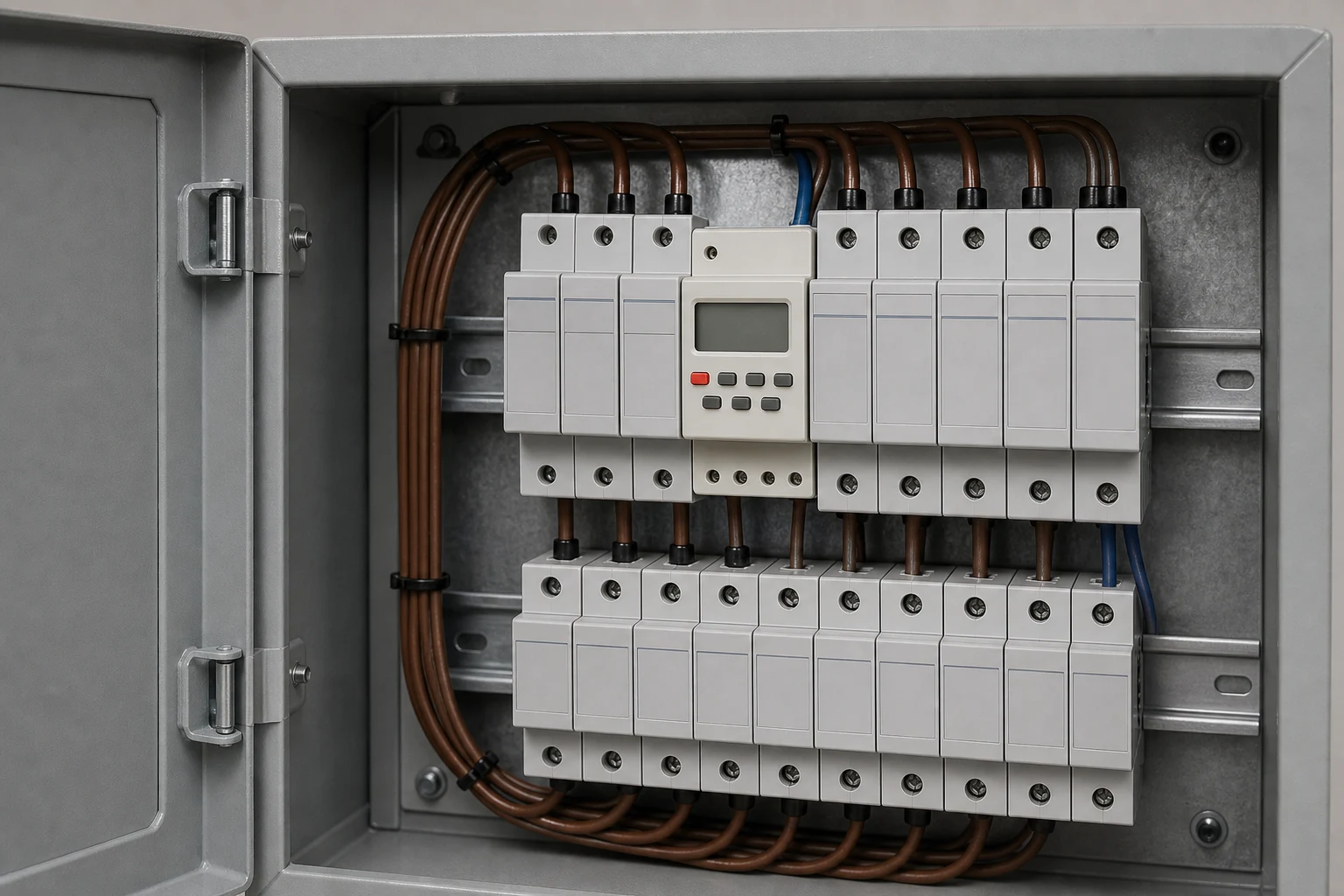
What a 7-day weekly programmable timer switch actually schedules
It stores on/off times on a repeating seven-day clock, not a one-shot interval and not sunrise.
A cyclical time switch usually repeats on a 24-hour or 7-day period. A daily program repeats the same day. A 7-day programmable timer stores different ON/OFF program pairs across Monday through Sunday, then starts the week again.
The device does not watch how dark the yard is, and it does not calculate sunset. It also does not run one interval and stop until someone starts it again.
Street / sign lighting, neon, or a production line that must shut down at closing time is the usual reason to specify this class — the clock, not the sun, is the signal that ends the load.
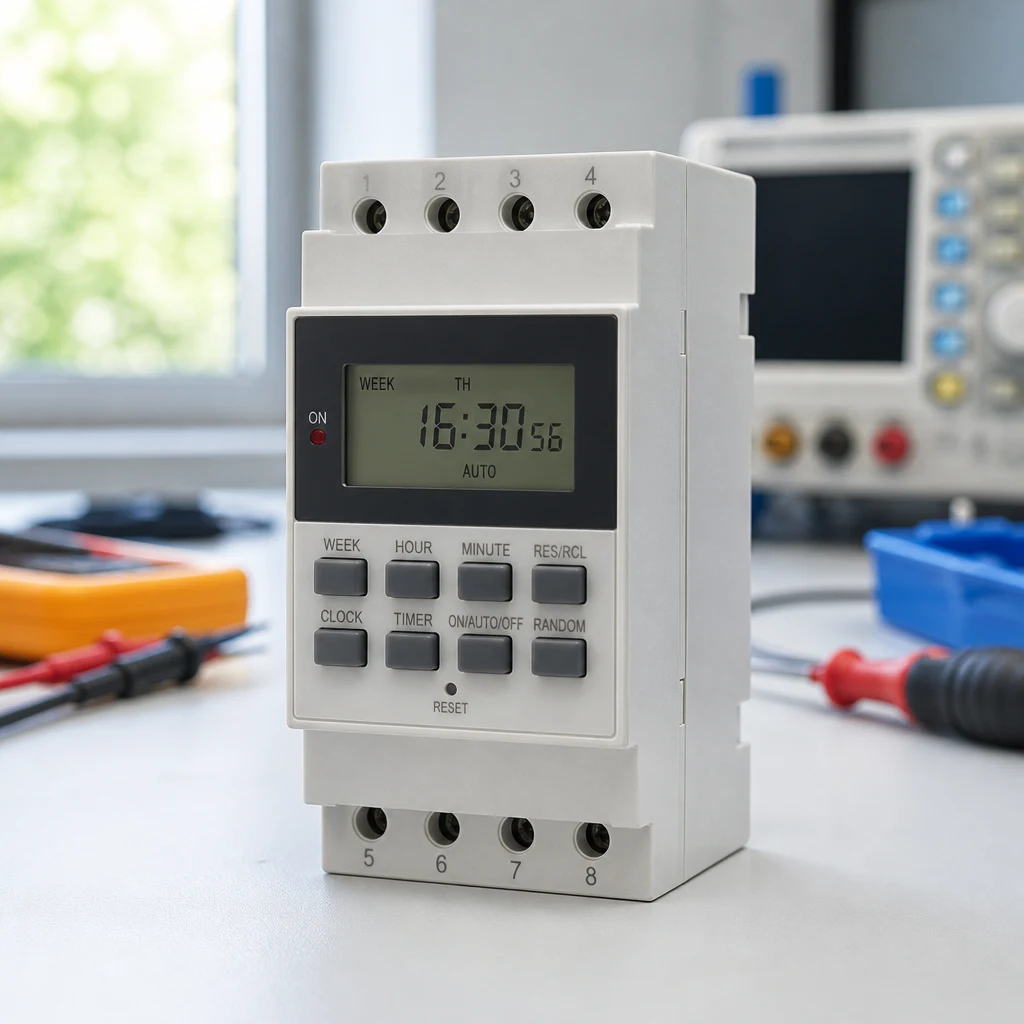
Weekly digital vs astronomical, photocell, and countdown
Each control watches a different signal: clock, sun, light, or a single interval.
An astronomical timer calculates dawn and dusk from location and date. Contractors also call it a lat-long timer. It exists because a fixed weekly clock drifts against sunset through the year.
A photocell watches ambient light. Darkness closes the circuit. A streetlight that should follow weather and season often wants this, not a weekday clock.
A countdown timer switches power, usually off, after one preset interval. YJDST on this site is that job: countdown power-off of a small breaker, not a weekly schedule.
| Control | What it watches | Typical win | Typical miss |
|---|---|---|---|
| Weekly digital / 7-day programmable timer | Clock and weekday | Shop hours, weekday/weekend split | Storm dusk or moving sunset |
| Astronomical timer | Calculated sunrise/sunset | Seasonal outdoor lighting | Fixed closing time |
| Photocell | Ambient light | Dusk-to-dawn | Daytime hours you still want off |
| Countdown timer | One interval after start | Fan or breaker drop-out | Repeating weekly events |
Some outdoor circuits combine a photocell and a timer: darkness arms the load, the clock ends it at a set hour. That is two devices, not one “7-day” shopping card.
When a weekly schedule is the right control
Specify a weekly clock when the load should die at a weekday hour, not when darkness arrives.
A storefront that must light before opening and go dark at closing is a clock problem. Sunrise does not close the shop. A photocell left alone can leave the signs on until morning.
Yard lights that should track dusk all winter are the other problem. A weekly clock set in June will be wrong in December until someone edits it. That is why photocells and astronomical timers exist.
If the job is “an hour before sunset until sunrise,” an astronomical / lat-long timer is the right class. Do not force a weekly digital timer into that job.
In-wall, plug-in, or a DIN-rail panel timer
A US decorator wall timer and a DIN-rail time control switch are different installation classes.
An in-wall timer switch sits in a US decorator box. Many SKUs split on whether a neutral wire is present.
Some need two white wires; some claim no-neutral and require ground. That split belongs to the wall box you have, not to a rail catalog.
A plug-in timer is an outlet device. It is the holiday-light and aquarium class. It is not a panel time-control switch.
DIN rail is the panel class: the module snaps onto the rail and switches a control circuit. Yijin’s timer switch hub holds that class next to lat-long and countdown siblings. Do not copy a 125 V / 15 A wall-box rating onto the rail sheet.
On the same rail you may also sit an over/under-voltage protector as a panel companion — see our voltage protector guide for that job. It is a different control class, not a timer substitute.
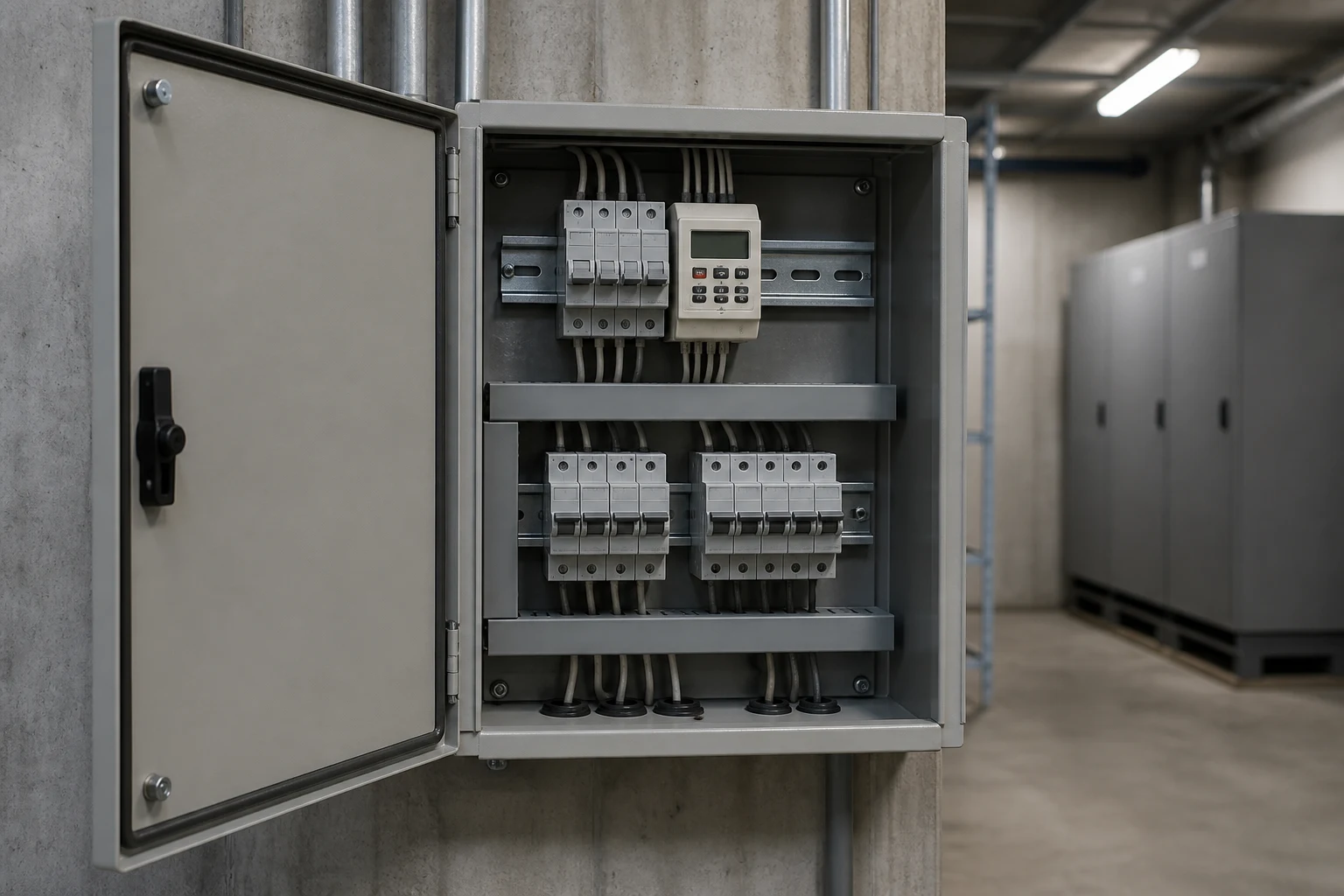
Leftover events, Auto mode, and “on during the day”
Unused slots and dawn/dusk mix-ups keep lights on; a pure weekly clock still needs every event reviewed.
Digital timers store more ON/OFF program pairs than most sites use. Leftover events from a previous setup are a common reason a circuit comes back on at the wrong hour.
Auto / Manual is the other trap. The clock program only runs in Auto. Manual hold can look like a dead timer when the program is still sitting in memory.
Battery backup / memory keeps the clock through a short outage on most digital units. A blank display after a long outage is often a battery job, not a new timer.
On KG316T the leftover check uses that sheet’s own keys — Timer, School Week, hour and minute, Clock, and Auto/Manual — not an Intermatic wall-box sequence. Walk every unused slot before you blame the hardware:
- If the keyboard is locked, press Cancel/Restore four times.
- Press Timer to open the first ON slot.
- Press School Week to pick the weekday or every day.
- Set the ON hour and minute with the Hour and Minute keys.
- Press Timer again for the matching OFF slot; set weekday, hour, and minute the same way.
- Repeat for the events you need. Unused slots among the 16 daily on/off actions must show
--: --so a leftover event cannot fire. - Press Clock to leave setting, then Auto/Manual until the unit is in Auto.
From the field: Installers on Electrician Talk described units that stayed “on during the day” after dawn/dusk polarity or leftover on/off times were wrong (Intermatic ST01 programming thread). The field language matches the symptom above; the key sequence is KG316T’s own, not ST01’s.
What a weekly timer datasheet has to show
Read supply, load class, program count, and memory on the chosen sheet — do not copy a 15 A wall-box rating onto a panel timer.
Before you pick a model, the sheet should name:
- Control supply and frequency
- Resistive / inductive / motor / lamp load figures as printed
- How many on/off actions per day or week
- Minimum and maximum time range
- How the clock survives an outage
- Operating temperature and enclosure rating
IEC 60730-2-7 is the particular standard for timers and time switches. Naming that class is not a listing for any brand on this page.
A 120 V decorator sheet and a 220 V / 380 V rail sheet are not interchangeable. Use the numbers on the model you are buying.
Specifying a DIN-rail weekly time control product — KG316T
KG316T is the published daily/weekly time control switch on this site; lat-long and countdown SKUs are different jobs.
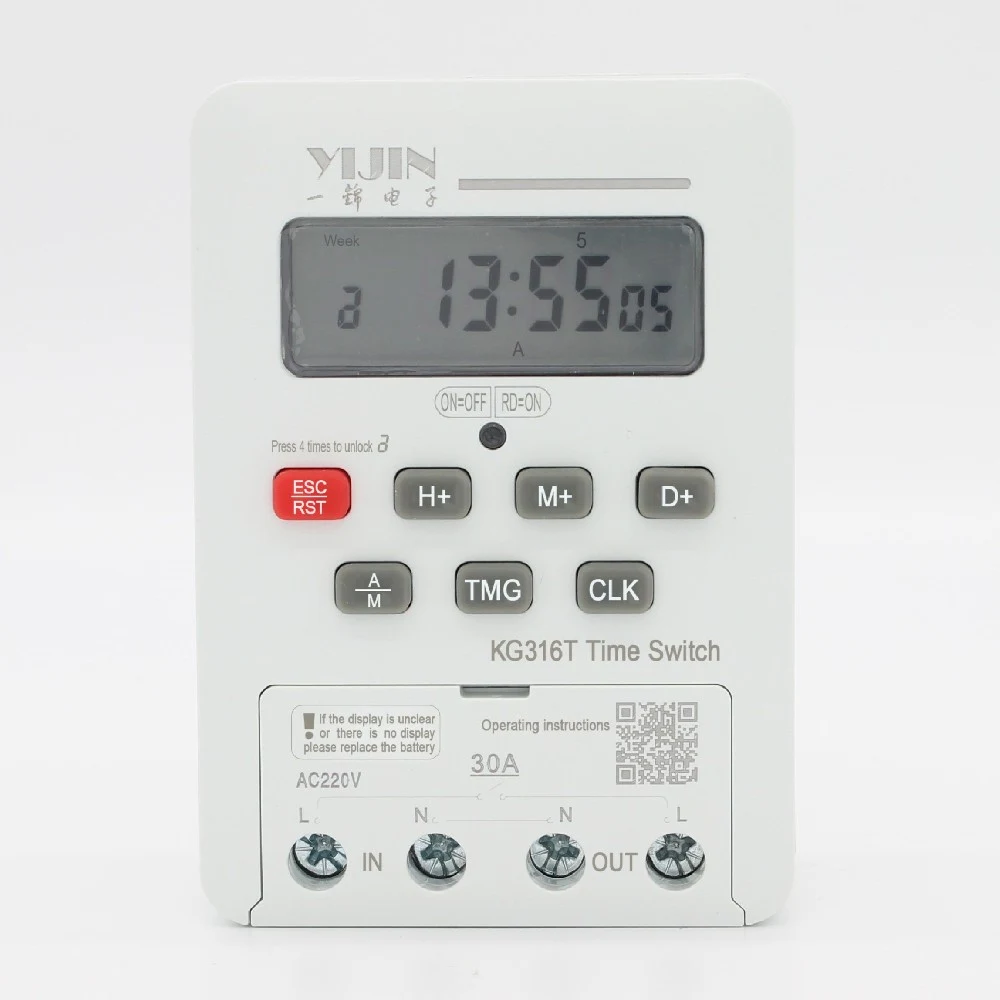
The KG316T time control switch turns a control circuit on and off at user-set times on a daily or weekly cycle. Named uses on that page include street lights, neon, advertising sign lights, production equipment, and broadcast gear.
KG316T is the published weekly example below.
| Published item | KG316T value |
|---|---|
| Cycle | Daily or weekly |
| Programs | 16 on/off actions per day |
| Time range | 1 minute to 168 hours |
| Daily time error | ≤ ±2 seconds |
| Control supply | AC 50/60 Hz; Us 220 V, 380 V; 380 V and below |
| Insulation / impulse | Ui AC380 V; Uimp AC1.5 kV |
| Load power | Resistive 6 kW; inductive 1.8 kW; motor 1.2 kW; lamp 0.9 kW |
| Enclosure | IP50 |
| Ambient | −5 °C to +40 °C; altitude ≤ 2000 m |
| Battery | Replaceable No. 7; keyboard lock after 15 s |
Those figures belong to KG316T. They are not a 120 V wall-box listing and not a contact-ampere rating.
Skip this SKU when the job is dusk-to-dawn only, when you need KG316TG lat-long seasonal sunshine-hour adjustment, or when you need a YJDST countdown release. The 9-step key sequence lives on the product page; this article does not reprint it.
FAQ
What is a 7-day weekly programmable timer switch?
It is a cyclical time switch that turns a load on and off at clock times across the week, then repeats. That is different from a photocell, an astronomical timer, and a countdown release.
How is a 7-day weekly digital timer different from an astronomical or photocell control?
A weekly digital timer follows the clock and the weekday. An astronomical timer follows calculated sunrise and sunset. A photocell follows ambient light.
Is a countdown timer the same as a 7-day programmable timer switch?
No. A countdown timer runs one interval after start.
YJDST is that class on this site. It is not a weekly schedule.
When should a facility specify a weekly clock timer instead of dusk-to-dawn?
When the load should die at a business or weekday hour rather than at sunrise. Shop signs that must go dark at closing are the usual case.
How do you program a 7-day digital timer without leaving leftover events?
Set the ON/OFF pairs you need, then clear unused slots to --: --. Press Clock and leave the unit in Auto. On KG316T those keys are Timer, School Week, and Auto/Manual.
What installation class should a B2B buyer choose — in-wall, plug-in, or DIN-rail time control switch?
Use an in-wall timer switch for a US decorator box (and check the neutral wire). Use a plug-in timer at an outlet. Use a DIN-rail time control switch in a panel.
What published KG316T ratings can a buyer use when requesting a quote?
Use the printed KG316T table: 16 on/off actions per day, 1 minute to 168 hours, Us 220 V / 380 V, and the four load-power figures. Do not add a 15 A wall-box rating.
Does this article recommend the latitude-and-longitude KG316TG or YJDST countdown units?
No. KG316TG lat-long is an astronomical / seasonal sunshine-hour controller. YJDST is a countdown release.
Both sit on the timer hub. They are not the recommendation here.
References
Standards and field threads used on this page.