 Yueqing Yijin Electronics Co., Ltd.

What an iPhone Search Misses on the YJA2 APP Cell
A wifi breaker app for iphone search opens App Store utilities and prank titles, while the YJA2 sheet prints only Setting method APP. Those store pages describe hotspots, saved networks, or jokes. The cells beside APP are the ratings a buyer can check.
What an iPhone Search Returns for This Phrase
The live results are store listings about Wi-Fi access, and none of them is a breaker manual. A buyer who expected a download named for a circuit breaker gets a different job.
Wi-Fi Password Hacker, on the App Store, states that the app is for entertainment and does not provide hacking abilities. Wifi Password Automatic calls itself a network utility and states that it cannot crack or discover passwords for private Wi-Fi networks. WiFi Master describes shared hotspots and denies any hacking role.
Apple’s review rule 2.3.1 treats misleading store marketing as grounds for removal, and its example is an iOS virus scanner that the app does not actually offer. A title with “breaker” or “hacker” in it can still be a prank or a hotspot directory. The query’s overview sorted the same pages into prank apps, shared directories, and network scanners.
| Search result job | What the page actually describes | What it does not settle |
|---|---|---|
| Prank listing | Entertainment copy that denies hacking ability | Breaker ratings |
| Shared-hotspot app | Community or owner-shared Wi-Fi | A DIN-rail setting label |
| Network utility | Speed, map, or saved-network tools for the user’s own network | YJA2 voltage bands |
The cluster home for this hardware family is isolating switches. Readers who want a definition can use what a smart circuit breaker is. Readers sorting device classes can use WiFi breaker, smart switch, and automatic.
What Setting Method APP Means on the YJA2 Sheet
Setting method APP is the entire setup label on the YJA2-WiFi Intelligent Circuit Breaker table. The live page does not name iPhone, iOS, or an App Store title.
The product photograph prints YJA2-Wifi, 40A, 230V~, and the word APP beside a pairing mark. That face agrees with the table cell. It still does not name a download.
NIST IR 8259 says manufacturers should consider cybersecurity activities, and should give customers cybersecurity-related information, before IoT devices are sold. On this page the customer-facing information is the table.
The word APP is present. A store title is absent. A purchasing note can record that gap without inventing a download name, an account flow, or a phone operating-system version.
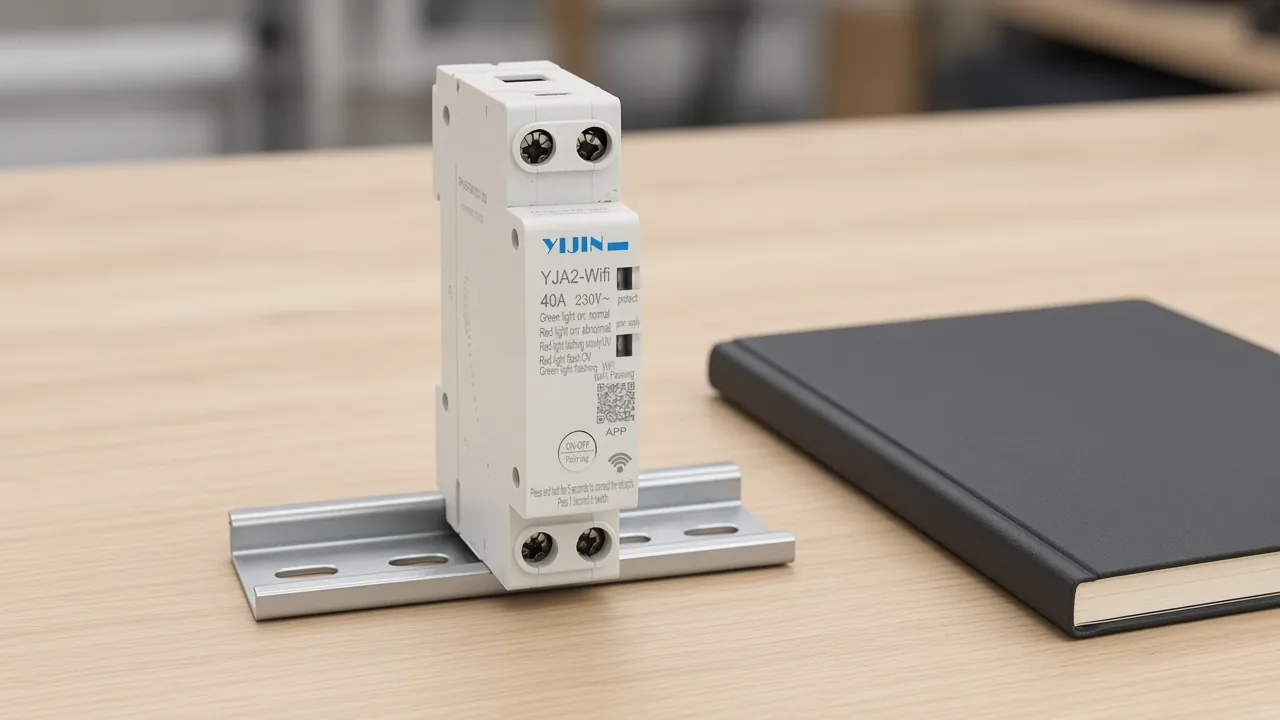
A buyer who needs a named iPhone listing will not find that name in the photograph or the table. The useful next read is the voltage row, not another store search.
Where the Page Card and the Parameter Table Split
The parameter table wins when the summary card disagrees. The card talks about a reclosing protector on a 220V line and Beijing time. The table does not.
The summary card says 220V, and the parameter table’s rated operational voltage is AC230V. Scope text under the product name also mentions a 110V to 240V control supply.
That wider sentence is not the rated operational voltage cell. Procurement readers should copy AC230V from the table.
Beijing time appears only in the card. Timer format on the table is Hour: Minute: Second, with no city named. Treat the city line as card text, not as a rating.
Which Voltage and Current Cells to Read First
Start with the two cells a buyer copies first. Rated operational voltage on the table is AC230V, and electric current is 40A.
Those two cells are the load check before anyone discusses a phone. After them, read the bands that decide when the module acts and when it returns.
Look at the high band before the low band. The overvoltage protection range is 275±5V, and the recovery value is 250±10V.
Keep the low band in the same pass. The undervoltage protection range is 175±5V, and the recovery value is 195±5V.
Impulse and the wait after a voltage event sit on the next rows. Rated withstand impulse voltage is 4kV, and self-recovery delay time is 30s±10s.
The contact row is a utilization category, not a second current rating for the whole module. Contact capacity is printed as AC-12 240V/10A.
Electrical life, mechanical life, ambient span, and rail mounting are the last four rows of that same table. Scan them with the voltage rows so the sheet stays one document.
| Table label | Printed cell |
|---|---|
| Rated operational voltage | AC230V |
| Electric current | 40A |
| Overvoltage protection range | 275±5V |
| Overvoltage recovery value | 250±10V |
| Undervoltage protection range | 175±5V |
| Undervoltage recovery value | 195±5V |
| Rated withstand impulse voltage | 4kV |
| Self-recovery delay time | 30s±10s |
| Contact capacity | AC-12 240V/10A |
| Electrical lifespan | 1×10^5 |
| Mechanical life | 2×10^6 |
| Ambient temperature | -5℃ to 40℃ |
| Installation method | Rail type |
Light behavior is printed too. A green fault light held on means voltage is normal.
A red fault light held on means voltage is abnormal. Slow red flash marks undervoltage, and fast red flash marks overvoltage.
The power light flashes slowly when the module is off the network, flashes quickly while connecting, and stays on when connected. Use those lights as status cues from the sheet, not as a setup script.
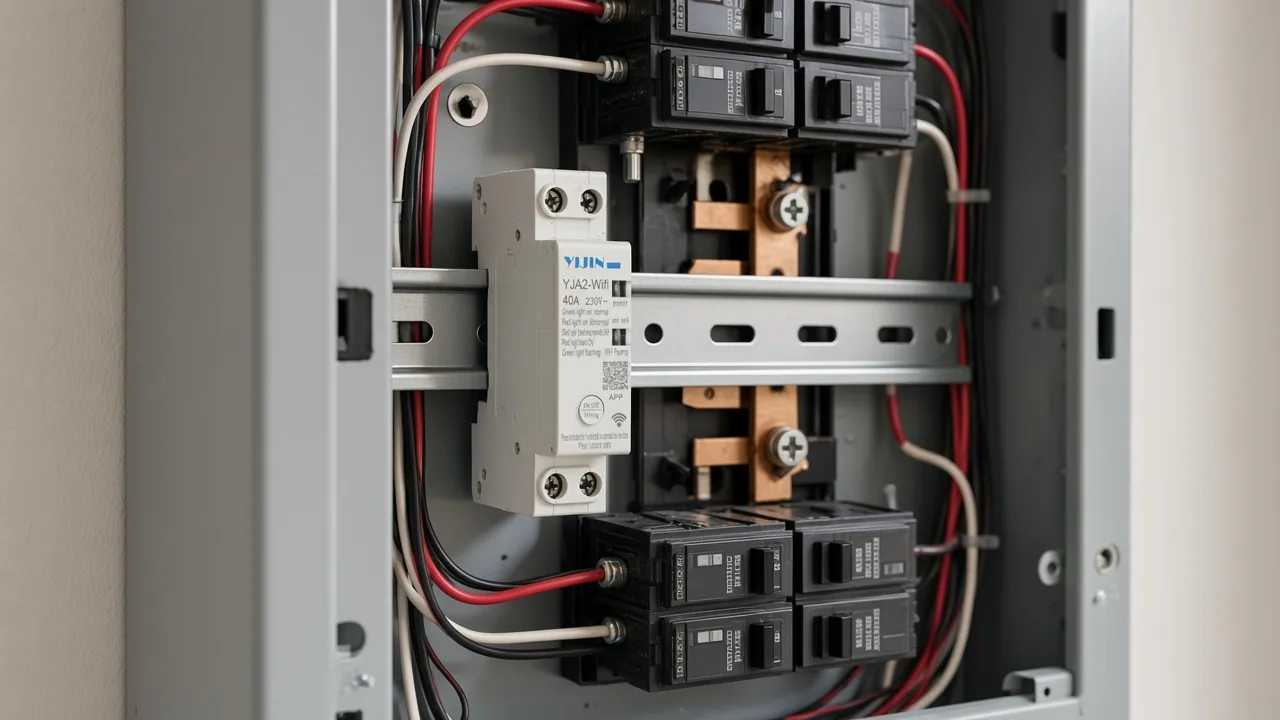
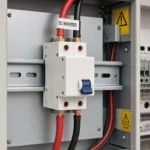
DIN rail is the mounting the installation row calls rail type. The module in that scene is the same face as the product photograph, placed in a panel only to show the rail, not to show a finished US installation.
How Timer, Delay, and Manual Switch Sit on the Same Sheet
Working mode lists four names: timer (alarm clock), connection delay, interval delay, and loop delay. The DIN-rail timer block also caps stored events at 100 sets and prints a delay span of 1s to 99h 59min 59s.
Beside those modes, the sheet names a manual switch and a latitude function. It does not walk through screens for either one.
Important: Default passwords on internet-enabled devices are easily found online and do not protect the device, and a separate buyer reported six other smart breakers that dropped off an app while the local buttons stopped working (CISA IoT note).
That field report describes other hardware. It is a reason to keep the manual switch cell in view when an app path is only a word on the sheet.
An EEVblog thread asks for phone scheduling without a vendor cloud. That wish is also someone else’s hardware. Keep it as a buyer worry, separate from the YJA2 cells.
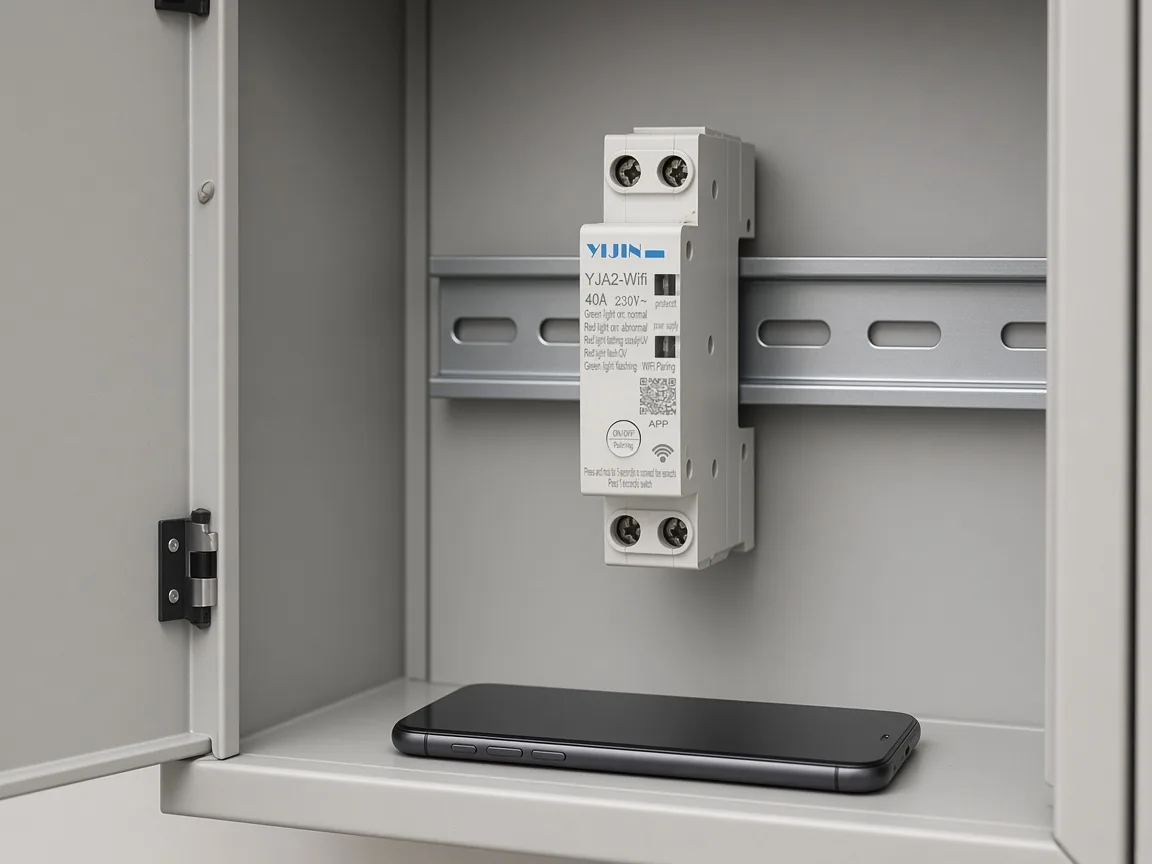
A face-down phone is the right picture for this query. The handset is present. No store screen is implied, because the sheet never names one.
Where a YJA2 WiFi Breaker Fits an APP-Method Check
This SKU fits a buyer who wants the printed APP cell read together with the voltage and current rows. The buyer needs Setting method APP beside the AC230V and 40A cells, and the page still has no store title. YJA2-WiFi Intelligent Circuit Breaker is the WiFi intelligent circuit breaker that carries those cells.
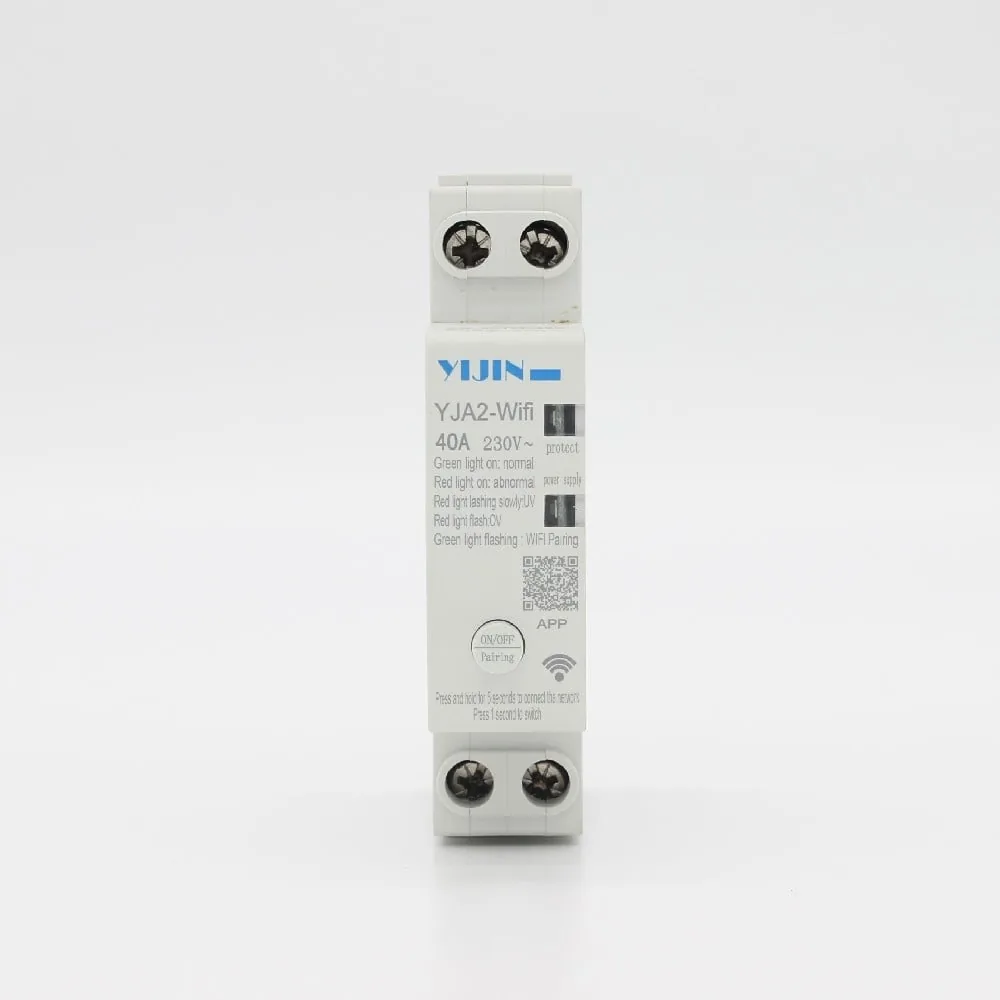
Read the live page for YJA2-WiFi Intelligent Circuit Breaker when the job is the printed APP cell plus the voltage and timing rows. Skip it when the job is a named App Store download, a password utility, or a different reclosing model teased elsewhere on the site.
The photograph, the table, and the face marking all stop at APP. Pairing steps, account screens, and phone operating-system versions are outside what this page prints.
FAQ
Which app can reveal a Wi-Fi password on an iPhone?
The listings this query surfaces describe pranks, shared hotspots, or utilities, and the entertainment listing says it does not provide hacking abilities. This page does not identify a tool for another person’s network.
Does the YJA2 page name an App Store title?
No store title appears in the parameter table or on the product photograph. The setup label remains Setting method APP.
Is Setting method APP the same thing as an iPhone download?
The cell is a printed label. An iPhone download would be a named listing with a developer, and that listing is not on this sheet.
Why do the store results talk about shared hotspots?
The rendered overview and the WiFi Master listing describe owner-shared or community Wi-Fi. That job is network access, separate from overvoltage protection on a rail module.
What timer modes are printed beside the APP cell?
Timer (alarm clock), connection delay, interval delay, and loop delay. The same block prints a 100-set ceiling and a delay span.
Does the sheet state a US listing mark?
The product page does not state a US listing mark. United States readers still use the printed voltage, current, and timer cells as the buying facts.
Which voltage cell wins when the card names another line voltage?
When the card prints 220V, keep the table’s rated operational voltage, which is AC230V. Copy the table.