 Yueqing Yijin Electronics Co., Ltd.


The time is numerals on a screen
A digital timer switch for lights is a timer you read as numbers on a screen. The schedule still has to be stored. The housing still has to match the circuit you actually have.
Numerals are what the word names
A digital clock displays the time digitally, in numerals or other symbols, as opposed to an analogue clock. The digital description refers only to the display, not to the drive mechanism. A gear can sit behind a screen, and a screen can sit on a circuit that is otherwise ordinary.
From the field: On the time-switch talk page, hallway lights followed summer time rather than solar time. The display would have looked confident. The clock basis was still wrong.
That hallway note matters before you praise a screen. Numerals can be an hour off and still look crisp. Read the weekday and the hour before you blame the lamp.
A pin dial can be wrong in the same way, with less precision and the same result.
People say digital when they mean modern. The opened clock page does not. It names the face.
If the face is a ring of pegs, the timer is analog even when a small motor is electronic. If the face is an lcd display, the word fits, and you still have to read the supply.
The rail page prints an LCD
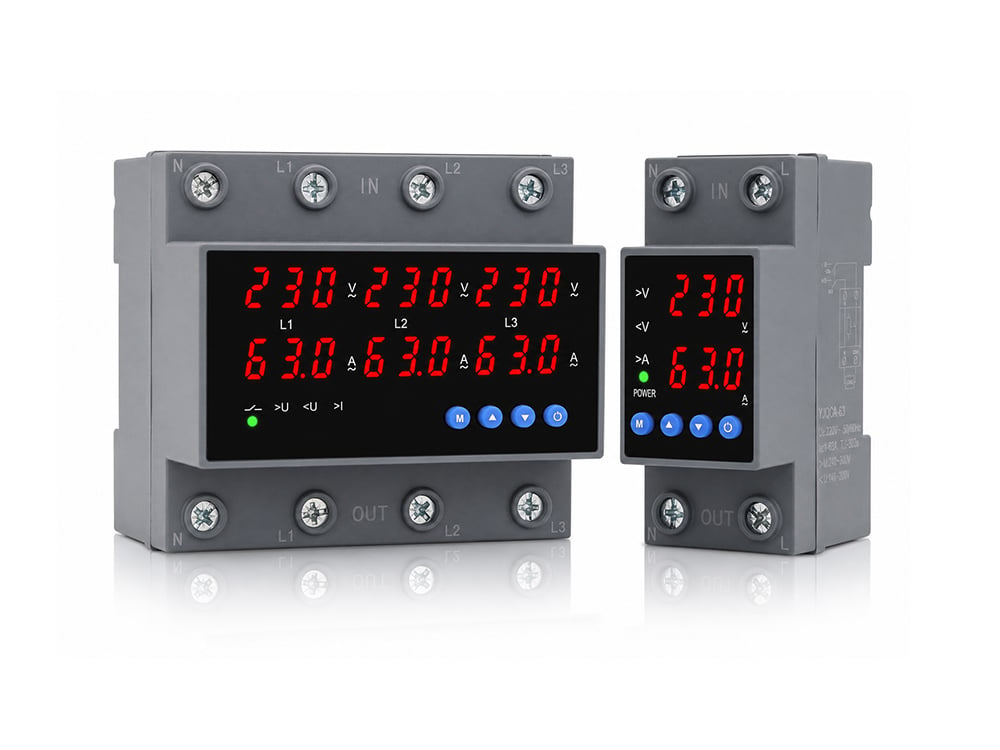
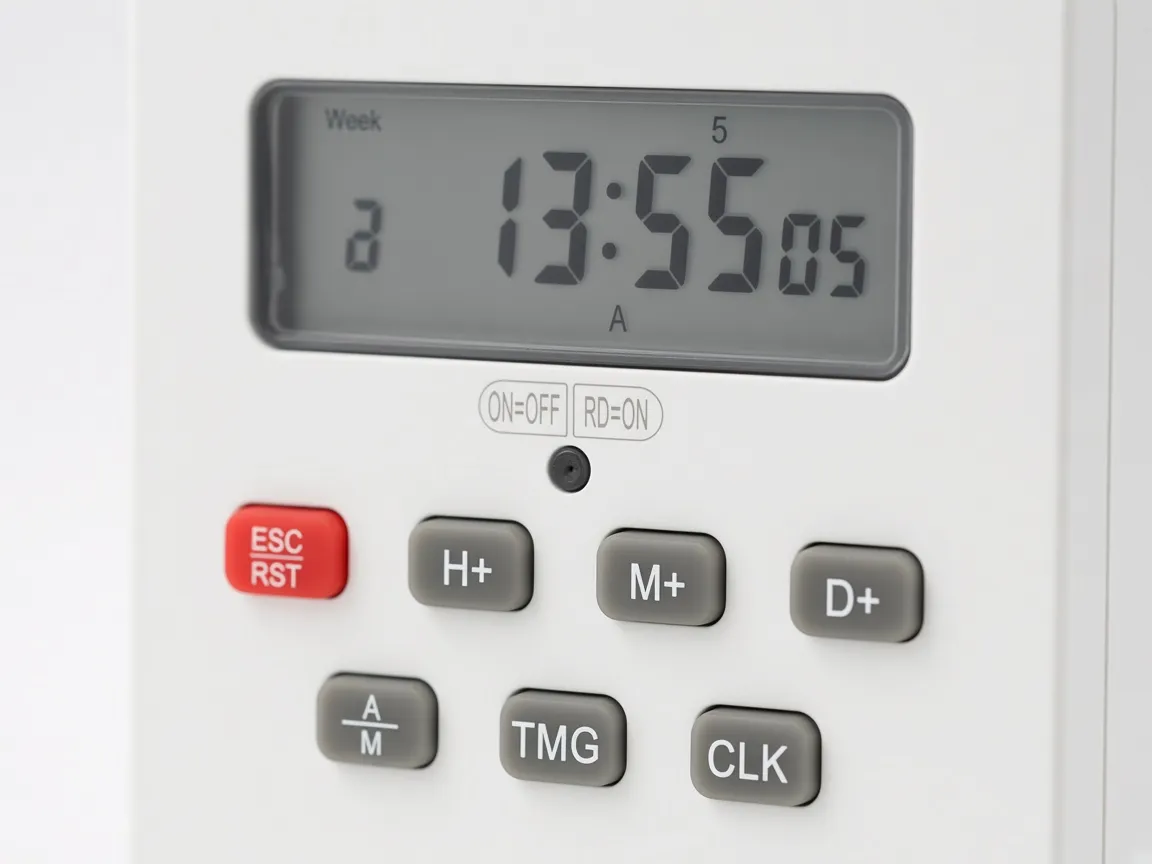
The rail timer on the Yijin page is the KG316T. The KG316T page says the switch uses an eight-position microprocessor, an LCD display screen, and a high-power relay output. The battery behind that screen is replaceable.
A dim or blank face is a battery story on that page, not proof that the program was never stored.
The KG316T page prints a control power supply of AC 50/60 Hz at 220 V and 380 V. That line is the supply the timer expects. It is the line to match to a control circuit.
A household wall box with a different practice is a different assignment from this rail body.
A pin dial uses a gear
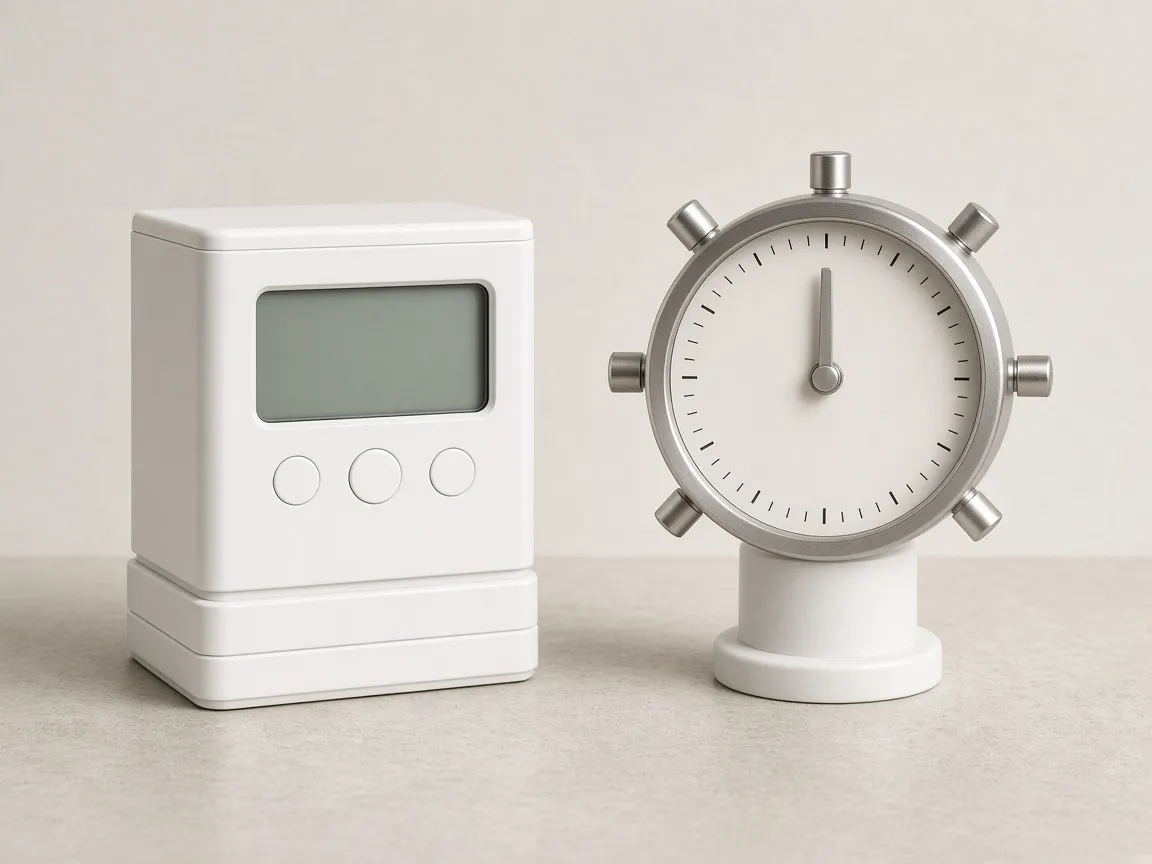
An electromechanical time switch can use a slowly rotating geared motor that mechanically operates switches. Pegs or segments on that dial push a contact as the wheel turns. You read the time by where the pointer sits, not by a numeral.
That is the analog pin dial a hardware aisle still sells for lamps.
The jobs can look alike from across the room. Both can darken a lamp in the evening. The way you correct a mistake is different.
On a dial you move a peg. On the KG316T screen you step through weekday and hour keys. Mixing those habits is how a buyer orders a rail LCD for a round dial replacement.
Electronic timing has no gear motor
A time switch is a device that operates an electric switch controlled by a timer. Electronic timing uses semiconductor timing circuitry and switching devices and no moving parts. The opened page sets that form next to the geared motor.
No moving parts describes the timing circuit. It does not promise that the output relay has no contacts.
The screen and the chip can share one body, which is what the KG316T construction line describes. A buyer who only wanted the word electronic can still receive a geared dial with a quartz motor. Ask what the face shows.
Then ask whether a wheel is doing the switching.
The supply is a control circuit
The screen does not choose the circuit. The printed supply does.
The KG316T page is about control circuits, street lamps, sign lights, and similar loads a cabinet can feed. It does not describe a decorator wall plate. Load power on that page includes a lamp load of 0.9 kW.
The page allows up to 16 on and off actions a day, a maximum setting of 168 hours, and a minimum setting of 1 minute.
| Face | How you read the time | What you change |
|---|---|---|
| Numeral screen | Digits on the KG316T LCD | Weekday and hour keys |
| Analog pin dial | Pointer and pegs | The peg position |
| Blank screen | Nothing reliable | The clock battery first |
Use the supply line before the lamp row. A pretty screen does not rewrite the control voltage. If the only power you have is a finished receptacle, this rail body is the wrong shape even when the digits are right.
The rail only holds the body
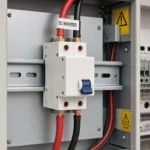
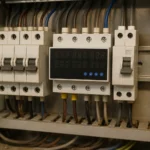
A DIN rail is a metal rail of a standard type widely used for mounting circuit breakers and industrial control equipment inside equipment racks. The rail supports the KG316T. It does not feed the display, and it does not store the program.
Power still lands on the terminals the page expects.
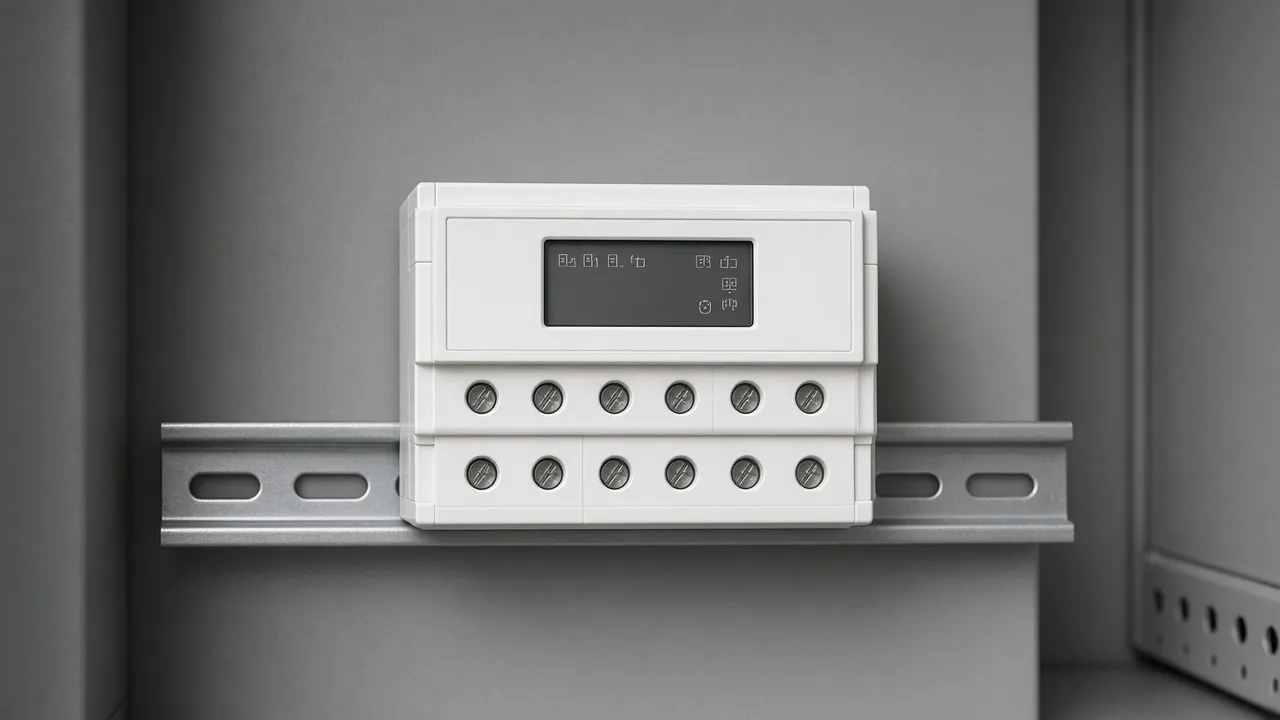
A loose clip is a mounting problem. The digits can keep counting while the body hangs on the wires. Fix the clip, then read the program again.
A wall digital timer lives in a box, not on this rail, so the two screens are not interchangeable parts.
Walk the choice in the order a buyer actually hits it. First look at the face and say whether you see numerals or pegs.
Then find the paper that states the supply. Then see whether the body clips to a rail or screws to a wall box.
If the face is numerals and the paper is the KG316T page, stay with that page for the rest of the read. If the face is pegs, stop using this page as the instruction sheet. The keys on a screen will not move a peg, and a peg will not step through a weekday list.
A second pass is worth it when the lamp behaves oddly. Confirm the battery if the face is dim. Confirm the weekday if the face is bright and the lamp is still wrong.
Confirm the override if the program looks right and the output does not follow it.
Keep a note of which face you actually bought. A later email that says only “the digital timer” will restart the confusion.
The note should say screen or pegs, rail or wall, and which supply line you matched. That note is what stops the next order from repeating the mismatch.
Say who checked the face, and say it in plain words a coworker can read a month later. The coworker should not have to guess whether you meant a wall plate or this rail LCD.
One clear note saves the second shipment. Put the supply line you matched in that same note so the voltage argument does not start over. Keep the note with the work order, not in a chat that will scroll away.
| Piece | Role on the KG316T page |
|---|---|
| Display | Numerals for the clock |
| Microprocessor | Stores the events |
| Relay output | Switches the load |
A relay can carry the lamp
A relay is an electrically operated switch. The timer tells the relay when to change. The relay contacts can carry a load the timer’s own small circuit should not be asked to invent.
On the relay talk page, a car flasher changes rhythm when a lamp fails, because the lamp current heats the flasher. That is a heated cycle. A displayed clock should not speed up because a bulb died.
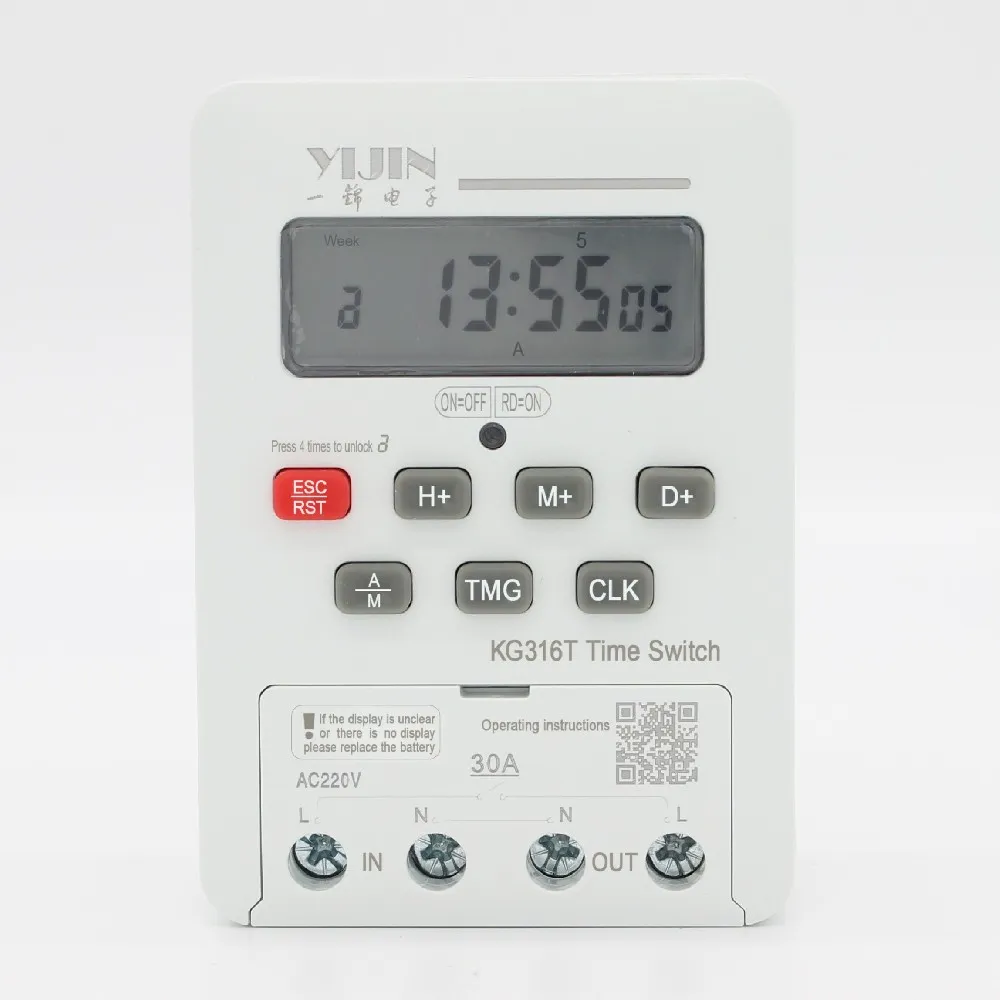
The KG316T time control switch is the rail body with the LCD. The timer hub collects the other clock articles if the question is a receptacle plug, a voltage label, or a fan runtime.
Frequently asked questions
These answers stay with the pages opened for this draft.
Does digital mean the numbers on the display?
A digital clock displays the time digitally, in numerals or other symbols, as opposed to an analogue clock. The digital description refers only to the display, not to the drive mechanism.
Does the KG316T page print an LCD?
The KG316T page says the switch uses an eight-position microprocessor, an LCD display screen, and a high-power relay output. That is the screen on the rail timer.
How is a geared dial different from that screen?
An electromechanical time switch can use a slowly rotating geared motor that mechanically operates switches. You read pegs and a pointer. You do not read numerals.
Which control supply does the KG316T page print?
The KG316T page prints a control power supply of AC 50/60 Hz at 220 V and 380 V. Match that line to the control circuit.
How is the rail timer held?
A DIN rail is a metal rail of a standard type widely used for mounting circuit breakers and industrial control equipment inside equipment racks. The rail supports the body.
What changed the hallway lights in the talk note?
The talk note says the lights followed summer time rather than solar time. The clock basis shifted the day. The lamp was not the cause.